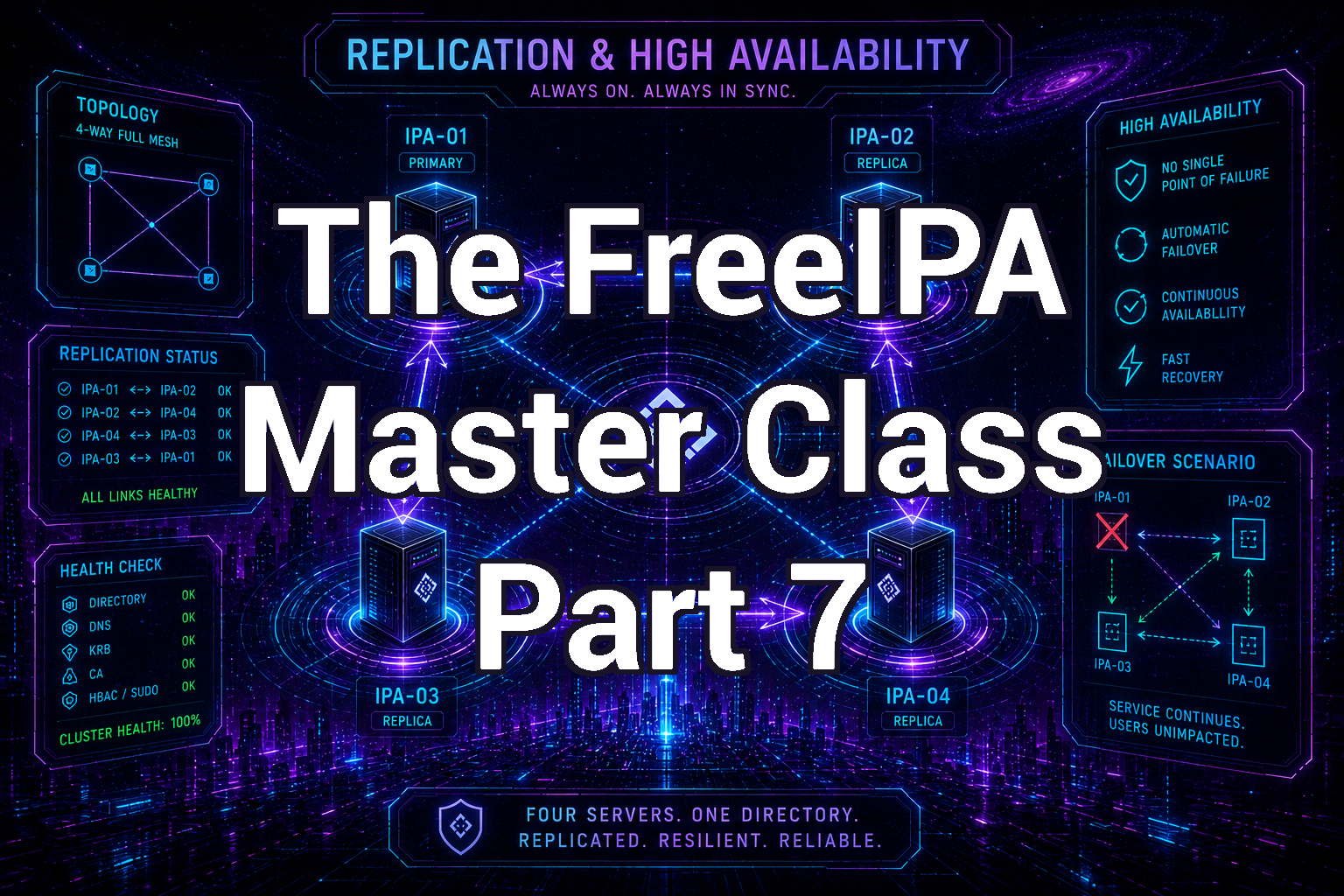
The FreeIPA Master Class - Part 7
Published March 3, 2025, 5:23 a.m. by dwest
FreeIPA Replication and High Availability
In the previous parts of this series we explored:
- Installing FreeIPA
- Joining systems to the domain
- Managing users and groups
- Kerberos authentication
- Host-Based Access Control (HBAC)
- Centralized sudo policies
- Managing certificates and service principals
At this point, your FreeIPA environment may consist of a single master server. While this works well for testing or small environments, it creates a single point of failure.
In production environments, FreeIPA is designed to run with multiple replicas that synchronize directory data across servers. This provides both high availability and load distribution.
In this article we will explore how FreeIPA replication works, how replicas are deployed, and how to design a resilient topology.
FreeIPA Multi-Master Replication
FreeIPA uses multi-master replication, which means every FreeIPA server can accept changes to the directory.
Unlike traditional master/slave directory systems, any FreeIPA server can:
- Create users
- Modify groups
- Issue certificates
- Authenticate clients
Changes are automatically replicated across the entire cluster.
This design ensures that if one server fails, the others can continue providing authentication services.
Replication Components
Several components replicate between FreeIPA servers:
| Component | Description |
|---|---|
| LDAP Directory | Users, groups, hosts, policies |
| Kerberos Database | Authentication principals |
| Certificate Authority | Certificates and revocation lists |
| DNS Records | If DNS integration is enabled |
Each of these components uses replication mechanisms to stay synchronized.
Understanding Replica Topology
FreeIPA replication uses a topology-based system. Instead of replicating every server to every other server, administrators create replication segments between servers.
Example topology:
IPA1 ←→ IPA2
↑          ↓
IPA3 ←→ IPA4
Each arrow represents a replication agreement.
This structure prevents replication storms while ensuring updates propagate across the environment.
Viewing the Current Topology
To view replication segments:
ipa topologysegment-find
Example output:
Suffix name: domain
Segment name: ipa1-to-ipa2
Left node: ipa1.example.com
Right node: ipa2.example.com
Connectivity: both
This command shows how directory replication flows between servers.
Checking Replication Status
You can check replication status using:
ipa-replica-manage list -v
For CA replication:
ipa-csreplica-manage list -v
These commands show whether replicas are successfully synchronizing.
Creating Replication Segments
Replication segments connect FreeIPA servers.
Example:
ipa topologysegment-add
Interactive example:
Suffix name: domain
Left node: ipa1.example.com
Right node: ipa2.example.com
Segment name: ipa1-to-ipa2
After creation, replication begins automatically.
Removing Replication Segments
If a topology needs to be adjusted:
ipa topologysegment-del domain ipa1-to-ipa2
| Note: |
|---|
| Removing segments may temporarily disrupt replication paths, so design changes carefully. |
Certificate Authority Replication
If FreeIPA is managing certificates, the Dogtag CA must also replicate.
To view CA replication segments:
ipa topologysegment-find --suffix=ca
These segments control synchronization of:
- Certificates
- Certificate revocation lists (CRLs)
- CA configuration
Renewal Master
FreeIPA has a special role called the Renewal Master.
This server is responsible for renewing shared certificates used by the cluster.
To determine the current renewal master:
ipa config-show | grep Renewal
To assign a new renewal master:
ipa-csreplica-manage set-renewal-master
Only one server should perform this function to prevent conflicts.
Certificate Revocation List (CRL) Master
Another special role is the CRL master, which publishes certificate revocation lists. These lists allow systems to verify whether a certificate has been revoked. The CRL master typically runs on the same host as the renewal master.
Configuration can be found in:
/etc/pki/pki-tomcat/ca/CS.cfg
Relevant settings:
ca.crl.MasterCRL.enableCRLCache=true
ca.crl.MasterCRL.enableCRLUpdates=true
Adding a Replica
Adding a replica improves both redundancy and performance.
Typical deployment reasons include:
- Geographic distribution
- Redundancy
- Load balancing
- Disaster recovery
Install a new replica by doing the following:
-
Install Required Packages
dnf install ipa-client freeipa-server -
Join the Domain
ipa-client-install --server=ipa1.example.com --domain=example.com --mkhomedir -
Promote to Replica
ipa-replica-install --setup-ca
This converts the host into a full FreeIPA replica.
Testing Replication
After installing a replica, test synchronization.
-
Create a test user on one server:
ipa user-add testuser --first=Test --last=User -
Then query another server:
ipa user-show testuser
If replication is working correctly, the new user should appear within seconds.
Recommended Topology Design
For small to medium environments:
IPA1 ←→ IPA2
For large environments:
  IPA1
 /     \

IPA2   IPA3
 \     /
  IPA4
For multi-site environments, it is best to build each site in blocks of four. Then, create replication segments between two replicas at each site. FreeIPA recommends that you create no more than 4 replication agreements on any one replica.
    Site A           Site B
IPA1A ←→ IPA2A ←→ IPA1B ←→ IPA2B
↑          ↓        ↑          ↓
IPA3A ←→ IPA4A ←→ IPA3B ←→ IPA4B
Avoid designs where one server becomes a central bottleneck.
Monitoring Replication Health
Regularly verify replication status.
Key commands:
ipa topologysegment-find
ipa-replica-manage list -v
ipa-csreplica-manage list -v
Also monitor logs:
/var/log/dirsrv/slapd-*/errors
These logs often contain replication warnings.
Recovering a Broken Replica
If a replica becomes out of sync, it may need to be reinitialized.
Example:
ipa-replica-manage re-initialize
--from ipa1.example.com
--verbose
This forces the replica to resynchronize with another server.
Best Practices for High Availability
A few recommendations for reliable FreeIPA deployments:
- Use at least two replicas. Never rely on a single server for authentication.
- Distribute replicas geographically. This reduces latency and improves resilience.
- Monitor certificate renewal roles. Ensure renewal and CRL masters remain operational.
- Back up FreeIPA regularly. Use the built-in backup tools to protect directory data.
What’s Next ?
In the next part of the FreeIPA Master Class, we will explore:
Integrating FreeIPA with Active Directory
This includes:
- Cross-forest trust relationships
- Windows authentication integration
- Accessing SMB/CIFS shares
- Identity synchronization
This is especially useful for mixed Linux and Windows environments.
Next: The FreeIPA Master Class - Part 8
Similar posts
The FreeIPA Master Class - Part 9
The FreeIPA Master Class - Part 8
The FreeIPA Master Class - Part 6
The FreeIPA Master Class - Part 5
0 comments
There are no comments.